October 7, 2026
Setting Up OpenAPI Docs with Scalar in Next.js
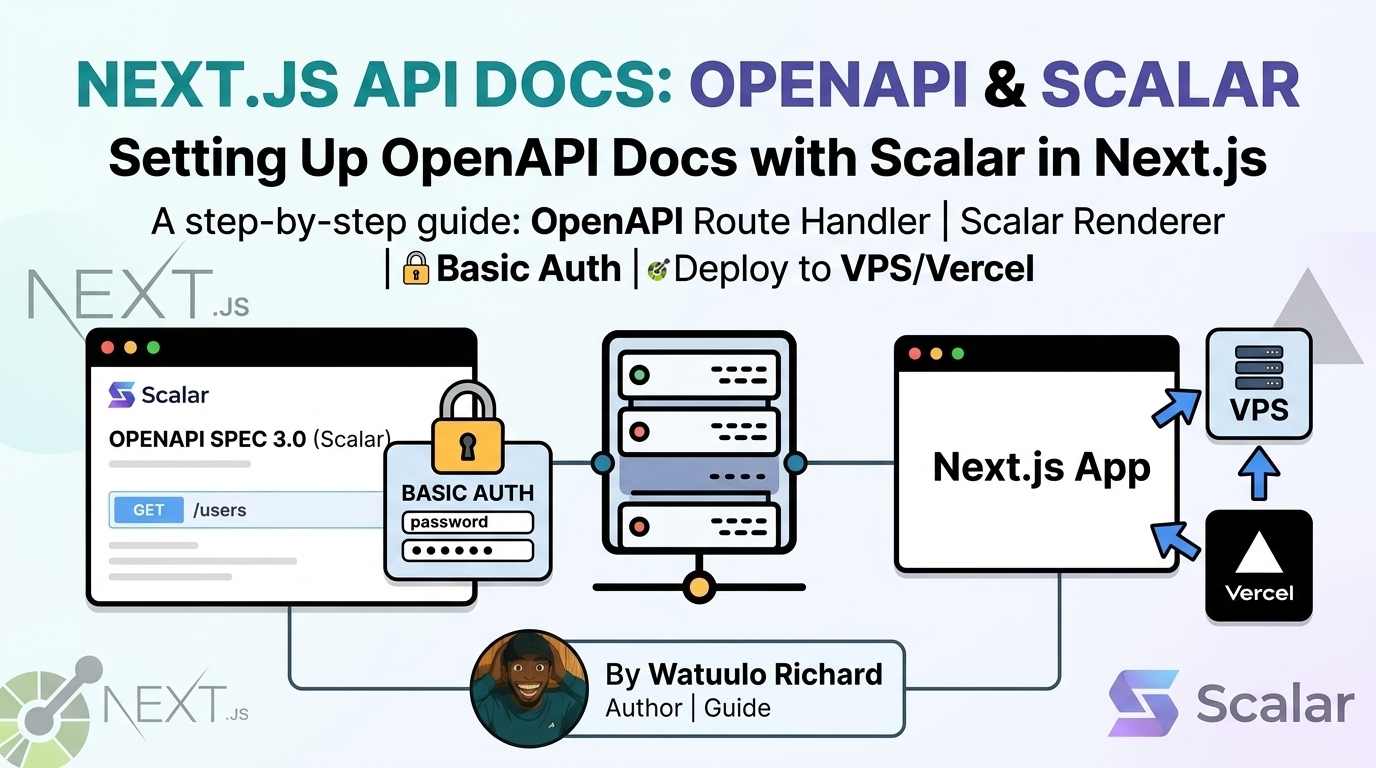
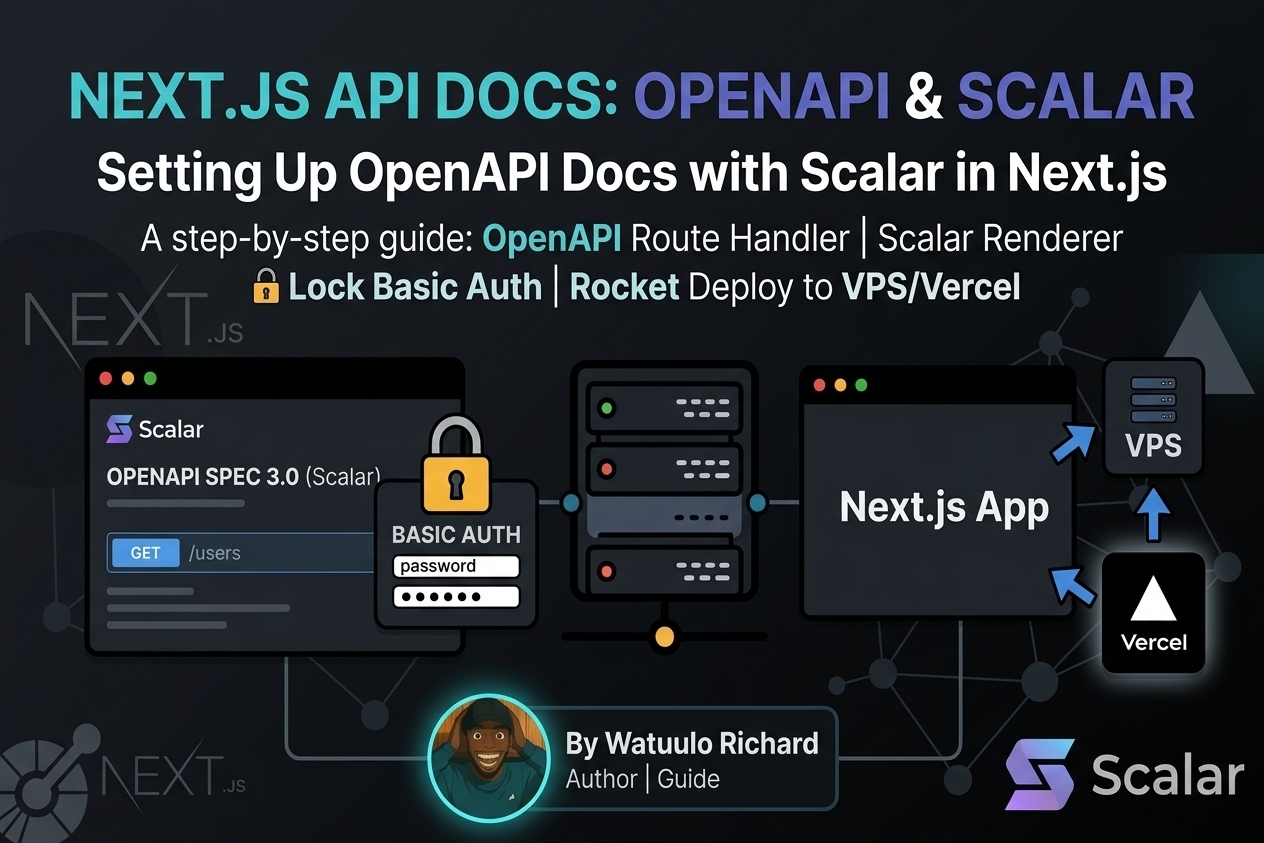
Every REST API deserves a beautiful, interactive documentation page, the kind where a developer can read the endpoint description, see example requests and responses, and hit a "Try it" button. In this guide we build exactly that inside a Next.js App Router project using two small pieces: an OpenAPI 3.0 JSON spec served from a route handler, and Scalar, a UI renderer that turns that spec into a full API reference.
This is the exact setup running on this site at /api-docs.
What does it do?
- Serves a machine-readable API description (JSON) at
/api/openapi. - Renders a purple-themed, searchable API reference at
/api-docs. - Protects both routes with HTTP Basic Auth when environment variables are set.
- Works identically in local development, on a VPS, and on Vercel.
Why this way?
| Choice | Reason |
|---|---|
Typed spec file (data/openapi.ts) | Type-checked with openapi-types, so typos in your spec become compile errors, not runtime 404s in the docs UI. |
Spec served from /api/openapi | Scalar fetches the spec by URL, so the docs page stays a tiny HTML shell and the spec can be cached independently. |
| Scalar | Zero-config Next.js integration: one function call, no client bundle full of React, themes built in. |
| One shared Basic Auth helper | One file (lib/docs-auth.ts) guards both the spec and the UI, and fails open in local dev if no env vars exist. |
What does it help with?
- New developers can explore your API without reading a single route file.
- Frontend and mobile teams get request/response shapes instantly.
- You get one source of truth: the spec documents the API, and you can diff it in code review when an endpoint changes.
The file structure
Everything lives in four small files:
craft-ui-web-app/
├── data/
│   └── openapi.ts              ← the OpenAPI 3.0.3 spec (typed)
├── lib/
│   └── docs-auth.ts            ← shared Basic Auth guard
└── app/
    ├── api/
    │   └── openapi/
    │       └── route.ts        ← serves the spec as JSON
    └── api-docs/
        └── route.ts            ← renders the Scalar UI
The request flow looks like this:
browser opens /api-docs
  → requireDocsAuth() checks Authorization header
    → no/invalid header + env vars set → 401 with WWW-Authenticate
    → valid header (or no env vars set) → Scalar HTML page
      → Scalar fetches GET /api/openapi
        → requireDocsAuth() again → 401 or JSON spec
          → Scalar renders endpoints, schemas, examples
Step 1 - Install the packages
pnpm add @scalar/nextjs-api-reference openapi-types| Package | What it does |
|---|---|
@scalar/nextjs-api-reference | Provides the ApiReference handler that returns the Scalar HTML page. |
openapi-types | TypeScript types (OpenAPIV3.Document) so your spec file is fully type-checked. |
Step 2 - Write the spec: data/openapi.ts
This file is the heart of the setup. It exports one typed object that describes every endpoint the app exposes. The complete file is long (schemas + paths), so here is its anatomy, section by section.
The document head
import type { OpenAPIV3 } from "openapi-types";

export const openApiSpec: OpenAPIV3.Document = {
  openapi: "3.0.3",
  info: {
    title: "Craft-UI Blocks API",
    description:
      "REST API for Craft-UI Blocks - a premium Next.js template marketplace. Manage components, categories, and track copy counts.",
    version: "1.0.0",
    contact: { name: "Craft-UI Blocks Team", url: "https://craft-ui-blocks.com" },
  },
  servers: [
    { url: "http://localhost:3000", description: "Local development" },
    { url: "https://craft-ui-blocks.com", description: "Production" },
  ],
  // ...
};| Field | What it does and why |
|---|---|
import type { OpenAPIV3 } | Pulls in the official OpenAPI v3 types. A type import has zero runtime cost because it vanishes in the build. |
: OpenAPIV3.Document | Marks the export as a valid OpenAPI document. A missing paths object or a misspelled key now fails tsc. |
openapi: "3.0.3" | Declares the spec version Scalar parses. 3.0.x is the version Scalar renders best. |
info | Title, description and version shown at the top of the docs page. This is the landing header your API consumers read first. |
servers | The base-URL switcher in the Scalar UI. Developers can toggle between localhost and production without editing code. |
Tags - the sidebar groups
tags: [
  { name: "Components", description: "Component management endpoints" },
  { name: "Categories", description: "Category management endpoints" },
  { name: "Copy Tracking", description: "Copy count increment endpoint" },
  { name: "Search", description: "Documentation search endpoint" },
  { name: "Auth", description: "Authentication endpoints (Better Auth)" },
],
Each operation references a tag (tags: ["Components"]), and Scalar groups operations under those headings in the left sidebar. Keeping tags in sync with your real route folders (app/api/v1/components, app/api/v1/categories, …) makes the docs mirror the codebase.
Components - reusable schemas
components: {
  schemas: {
    Component: { type: "object", required: ["id", "name", "slug", /* ... */], properties: { /* ... */ } },
    CreateComponentRequest: { /* ... */ },
    ErrorResponse: { /* ... */ },
    // ... 20+ schemas
  },
},
There are four schema patterns:
| Pattern | What it is |
|---|---|
| Entity schema | Describes what the API returns, for example Component and Category. required lists the guaranteed fields, and nullable fields such as description say nullable: true. |
| Request schema | Describes what the API accepts, for example CreateComponentRequest. required tells the reader which fields they must send. |
| Envelope schema | Every response wraps data in the same { success, message, error, status } envelope. allOf + $ref composes it once instead of copy-pasting it into 20 responses (see GetAllComponentsResponse). |
| Error schema | ErrorResponse, NotFoundResponse, ConflictResponse and BadRequestResponse document the 400/404/409/500 shapes, so frontend code can handle errors before you write the client. |
The enum values (status: ["DRAFT", "PUBLISHED", "ARCHIVED"]) come straight from the Prisma-backed types in types/component.ts. When the database enum changes, you update the spec in the same PR.
Paths - the endpoints
paths: {
  "/api/v1/components": {
    get:  { tags: ["Components"], summary: "Get all components", operationId: "getAllComponents", responses: { /* 200, 500 */ } },
    post: { tags: ["Components"], summary: "Create a new component", requestBody: { /* ... */ }, responses: { /* 201, 400, 409, 500 */ } },
  },
  "/api/v1/components/{slug}": {
    get:    { /* parameters: slug → 200, 404, 500 */ },
    patch:  { /* parameters + requestBody → 200, 404, 409, 500 */ },
    delete: { /* parameters → 200, 500 */ },
  },
  // + /api/v1/components/{slug}/copy, /api/v1/categories,
  //   /api/v1/categories/{id}, /api/search, /api/auth/{path*}
},
Three rules we follow for every path:
operationIdis unique. Scalar uses it as the anchor/operation name, and duplicates collide.- Path params are declared.
{slug}in the path must have a matchingparametersentry within: "path", required: true, otherwise Scalar shows an unusable form. - Every status code you can return is documented. If your route handler can send a 409 conflict, the spec documents a 409 with its exact response schema.
Step 3 - Serve the spec: app/api/openapi/route.ts
import { NextResponse } from "next/server";
import { openApiSpec } from "@/data/openapi";
import { requireDocsAuth } from "@/lib/docs-auth";

export async function GET(request: Request) {
  const authResponse = requireDocsAuth(request);

  if (authResponse) {
    return authResponse;
  }

  return NextResponse.json(openApiSpec);
}| Line | What it does |
|---|---|
import { openApiSpec } | Pulls in the typed spec from Step 2. It is a plain object, so it is bundled statically with no file-system read at request time. |
requireDocsAuth(request) | Runs the Basic Auth guard. It returns null when access is allowed, or a 401 Response when it is not. |
if (authResponse) return authResponse | Short-circuits with the 401 before any spec data leaks. |
NextResponse.json(openApiSpec) | Serializes the spec. Opening http://localhost:3000/api/openapi in a browser should now print raw JSON. |
This route is also your debugging tool. If the docs page looks empty, open /api/openapi directly. If it renders JSON, the spec is fine and the problem is in the UI layer. If it 401s or 500s, the problem is auth or the spec itself.
Step 4 - Render the UI: app/api-docs/route.ts
import { ApiReference } from "@scalar/nextjs-api-reference";
import { requireDocsAuth } from "@/lib/docs-auth";

const apiReferenceHandler = ApiReference({
  url: "/api/openapi",
  theme: "purple",
  pageTitle: "Craft-UI Blocks API Docs",
});

export function GET(request: Request) {
  const authResponse = requireDocsAuth(request);

  if (authResponse) {
    return authResponse;
  }

  return apiReferenceHandler();
}| Option | What it does |
|---|---|
ApiReference({...}) | Creates the handler once at module scope, not per request. The config is static, so nothing is rebuilt on each hit. |
url: "/api/openapi" | Relative URL Scalar fetches at load time. Because it is relative, it works on localhost, your VPS domain and Vercel previews with no config changes. |
theme: "purple" | Scalar's built-in color theme. Alternatives: default, moon, kepler, mars, solarized, swift, bluePlanet, saturn, none. |
pageTitle | Sets the browser tab title for the docs page. |
requireDocsAuth(request) | The same guard as the spec route, so a stolen spec URL is useless without the UI, and vice versa. |
Why a route handler instead of a page (app/api-docs/page.tsx)? Scalar's handler returns its own HTML document. A route handler lets us return exactly that: no React server component wrapper, and no hydration cost for a page we never re-render.
Step 5 - Protect the docs: lib/docs-auth.ts
import { Buffer } from "node:buffer";

const DOCS_AUTH_REALM = "Craft-UI Blocks API Docs";

function unauthorized() {
  return new Response("Authentication required", {
    status: 401,
    headers: {
      "Cache-Control": "no-store",
      "WWW-Authenticate": `Basic realm="${DOCS_AUTH_REALM}", charset="UTF-8"`,
    },
  });
}

export function requireDocsAuth(request: Request) {
  const username = process.env.DOCS_USER;
  const password = process.env.DOCS_PASSWORD;

  if (!username || !password) {
    return null;
  }

  const authorization = request.headers.get("authorization");

  if (!authorization?.startsWith("Basic ")) {
    return unauthorized();
  }

  try {
    const decoded = Buffer.from(authorization.slice("Basic ".length), "base64").toString("utf8");
    const separatorIndex = decoded.indexOf(":");

    if (separatorIndex === -1) {
      return unauthorized();
    }

    const providedUsername = decoded.slice(0, separatorIndex);
    const providedPassword = decoded.slice(separatorIndex + 1);

    if (providedUsername === username && providedPassword === password) {
      return null;
    }
  } catch {
    return unauthorized();
  }

  return unauthorized();
}
Line by line:
| Section | What it does and why |
|---|---|
DOCS_AUTH_REALM | The realm string browsers show in the native login popup. A friendly name tells users what they are logging into. |
unauthorized() | Builds the 401 response. WWW-Authenticate: Basic triggers the browser's login dialog. Cache-Control: no-store stops proxies from caching a 401 (or a success) on the docs URL. |
if (!username || !password) | Fails open when no env vars are configured. Local dev works with zero setup, and protection turns on the moment you set the variables in production. |
startsWith("Basic ") | Checks the header exists and uses the right scheme. Browsers send Basic base64(user:pass) automatically after the login popup. |
Buffer.from(..., "base64") | Decodes the credentials with Node's Buffer. This runs in a route handler, so Node APIs are available. |
decoded.indexOf(":") | Finds the first colon. The format is username:password and passwords may contain colons, so split on the first colon only. |
Plain === comparison | Acceptable here. A constant-time comparison is ideal for high-security auth, so see the warning below. |
Basic Auth sends credentials base64-encoded, which is not encrypted. Always serve your docs behind HTTPS in production, or anyone on the network can decode the header. On a VPS, terminate TLS with nginx/Caddy or Let's Encrypt before the app sees traffic. On Vercel, HTTPS is automatic.
The environment variables
DOCS_USER="Watuulo-Richard"
DOCS_PASSWORD="choose-a-strong-password-here"
These two values already live in your local .env. When you deploy (next sections), you must add the same pair to your host's environment settings. The app reads process.env.DOCS_USER / process.env.DOCS_PASSWORD at request time, and hosts never read your local .env file.
Step 6 - Run it locally
pnpm dev- Open
http://localhost:3000/api/openapi→ raw JSON spec. - With no
DOCS_USER/DOCS_PASSWORDset,/api-docsopens directly. - Add both variables to
.env, restart the dev server, then open/api-docs→ browser login popup → credentials → full reference.
.env (restart dev server)
  DOCS_USER + DOCS_PASSWORD set
    → GET /api-docs        → 401 + WWW-Authenticate  → popup  → 200 HTML
    → GET /api/openapi     → 401                     → popup  → 200 JSON
  not set (local dev)
    → both routes open immediately
Common errors
| Symptom | Cause and fix |
|---|---|
| Docs page loads but shows no endpoints | Scalar cannot fetch the spec (401 or 404 on /api/openapi). Open /api/openapi directly, and check auth and that the file is app/api/openapi/route.ts. |
| Infinite 401 loop in the browser | The browser cached a 401, or the credentials are wrong. Confirm them, and don't remove Cache-Control: no-store, which prevents stale cached 401s. |
openapi-types import errors | Package not installed or types disabled. Re-run the install command and check tsconfig.json has "strict": true. |
| Scalar shows an empty section | An operation is missing tags, or its tag name differs (case-sensitive) from the top-level tags array. Match tags: ["Components"] to { name: "Components" }. |
| Path parameter form is greyed out | {slug} in the path has no matching parameters entry. Add one with in: "path", required: true. |
| Docs open without a login popup in production | The guard fails open if either DOCS_USER or DOCS_PASSWORD is missing. Verify both exist in the host env. |
Production deployment
Option A - Vercel
- Push your branch; import the repo in Vercel (Next.js is auto-detected).
- In Project → Settings → Environment Variables, add for Production, Preview, and Development:
DOCS_USER=Watuulo-Richard
DOCS_PASSWORD=your-strong-password
DATABASE_URL=...        ← your existing vars, same treatment
BETTER_AUTH_SECRET=... ← your existing vars, same treatment- Deploy. Vercel serves HTTPS on
*.vercel.appand your custom domain automatically, so Basic Auth is safe over that connection. - Verify: visit
https://your-domain/api-docsin a private window → login popup → docs render;https://your-domain/api/openapi→ JSON after login.
Vercel Preview deployments get their own environment. If you only set Production, preview URLs will expose the docs with auth disabled (fail-open). Set the variables in all three scopes.
Nothing else is needed. Both routes are plain route handlers, so they run as serverless functions with no configuration.
Option B - VPS (Node behind nginx)
1. Build and run the app:
pnpm install
pnpm build
pnpm start        # listens on :3000
Keep it alive with PM2 (or your process manager):
pm2 start pnpm --name craft-ui -- start
pm2 save
pm2 startup
2. Put the environment where the process reads it, either a .env.production next to package.json or PM2 env config:
DOCS_USER=Watuulo-Richard
DOCS_PASSWORD=your-strong-password
If you use .env.production, Next.js loads it automatically when NODE_ENV=production. Never commit this file.
3. Reverse proxy with HTTPS (nginx example):
server {
  listen 80;
  server_name blocks.mvp-subha.me;
  return 301 https://$host$request_uri;
}

server {
  listen 443 ssl;
  server_name blocks.mvp-subha.me;
  ssl_certificate     /etc/letsencrypt/live/blocks.mvp-subha.me/fullchain.pem;
  ssl_certificate_key /etc/letsencrypt/live/blocks.mvp-subha.me/privkey.pem;

  location / {
    proxy_pass http://127.0.0.1:3000;
    proxy_http_version 1.1;
    proxy_set_header Upgrade $http_upgrade;
    proxy_set_header Connection "upgrade";
    proxy_set_header Host $host;
    proxy_set_header X-Forwarded-For $proxy_add_x_forwarded_for;
    proxy_set_header X-Forwarded-Proto $scheme;
  }
}sudo nginx -t && sudo systemctl reload nginx
certbot --nginx -d blocks.mvp-subha.me # if you still need to issue the cert4. Firewall: don't expose :3000:
sudo ufw allow OpenSSH
sudo ufw allow 'Nginx Full'
sudo ufw enable
Skipping HTTPS on a VPS is the single most common way Basic Auth credentials leak. The login popup happily sends Authorization: Basic ... over plain HTTP to anyone sniffing the connection. TLS is not optional for /api-docs.
5. Verify from outside:
curl -I https://blocks.mvp-subha.me/api-docs          # expect 401
curl -I -u 'Watuulo-Richard:your-password' https://blocks.mvp-subha.me/api-docs   # expect 200
Final checklist
-
pnpm add @scalar/nextjs-api-reference openapi-types -
data/openapi.tsexports a typedOpenAPIV3.Documentcovering every real endpoint -
app/api/openapi/route.tsreturnsNextResponse.json(openApiSpec)behind auth -
app/api-docs/route.tsreturns the Scalar handler behind the same auth -
lib/docs-auth.tsshared by both routes; fails open only when env vars are absent -
DOCS_USER/DOCS_PASSWORDpresent in local.env -
curl /api/openapireturns valid JSON (spec sanity check) - Vercel: env vars set in all three scopes, or VPS: env loaded by PM2 + nginx HTTPS + firewall
- 401 without credentials, 200 with credentials, from a fresh private browser window
Conclusion
The whole setup is deliberately boring: one typed JSON object, two twelve-line route handlers, and a single auth helper. The spec file is the only place you maintain. When a route changes, you update data/openapi.ts in the same pull request, and the docs, the examples, and the error shapes all follow. Scalar handles the presentation, Basic Auth keeps it out of the public eye, and because everything is a plain route handler, Vercel and your VPS behave identically.
Resources
- Scalar Next.js integration
- OpenAPI 3.0 specification
- openapi-types on npm
- Next.js Route Handlers
- RFC 7617 — The Basic Auth scheme